RAOP 2026 · In the laboratory
Photos and Videos
Explore group learning, guided investigation, and laboratory demonstrations, together with photographs from the AVRC research studio.
Learning Together
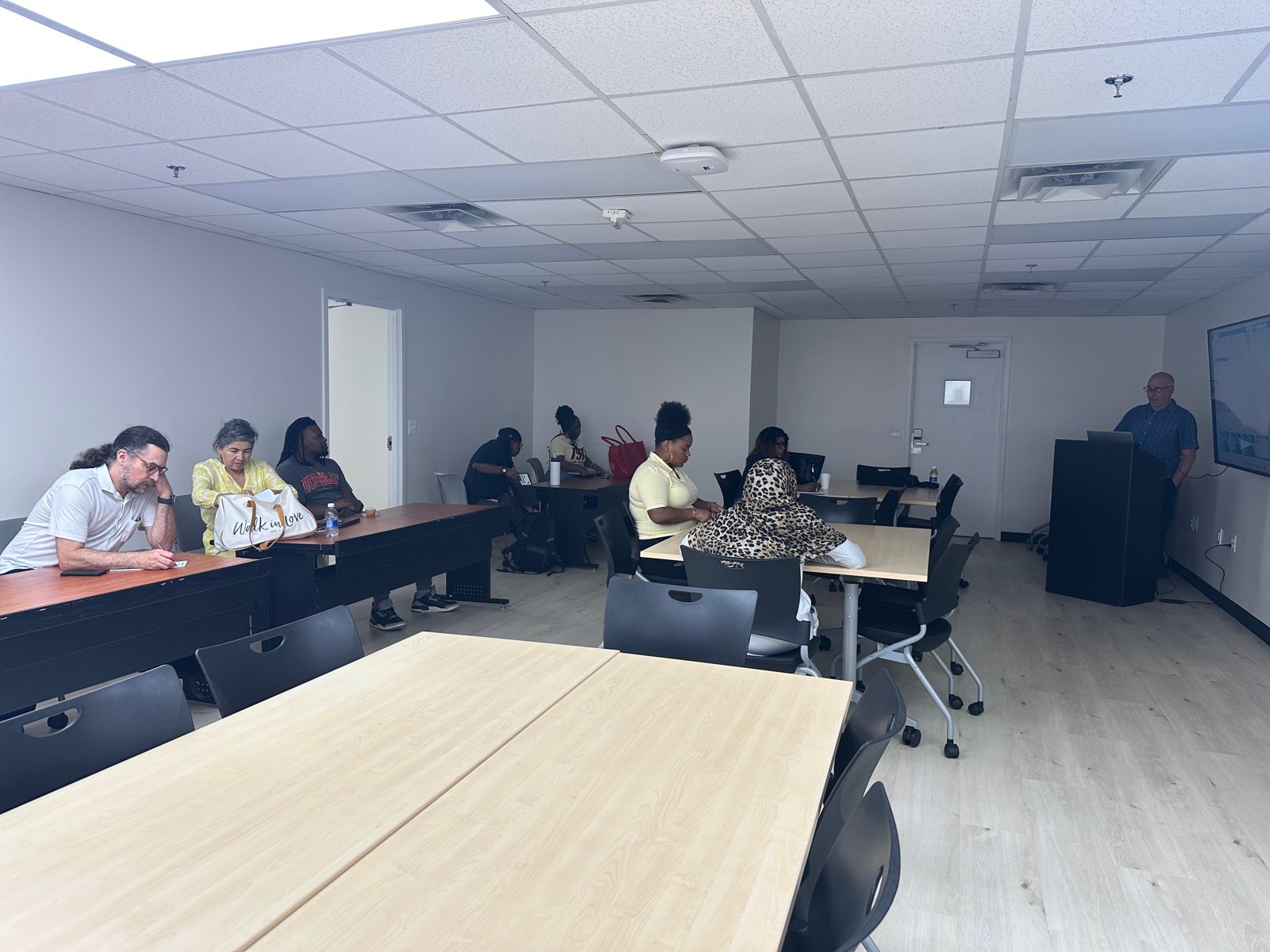
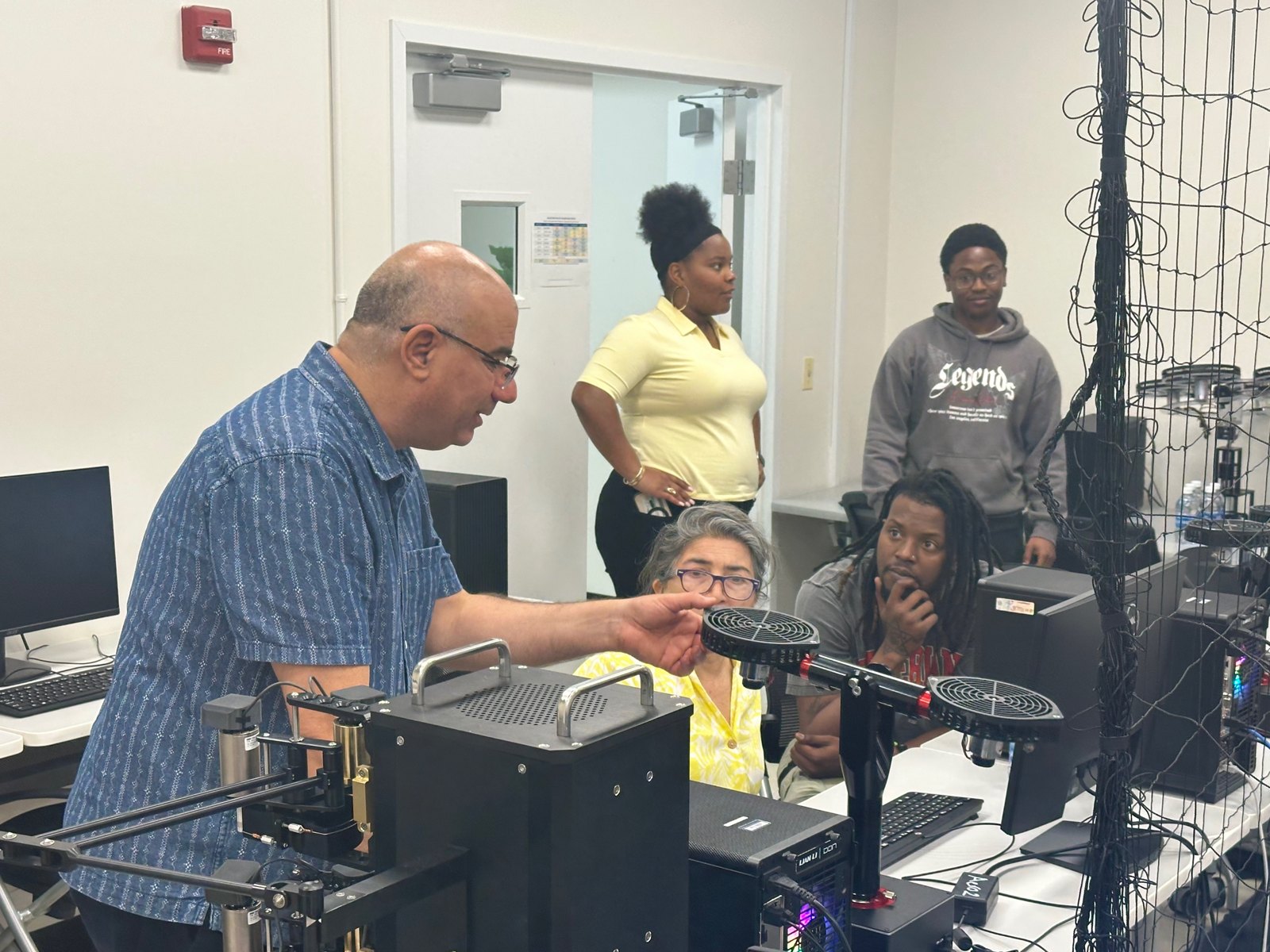
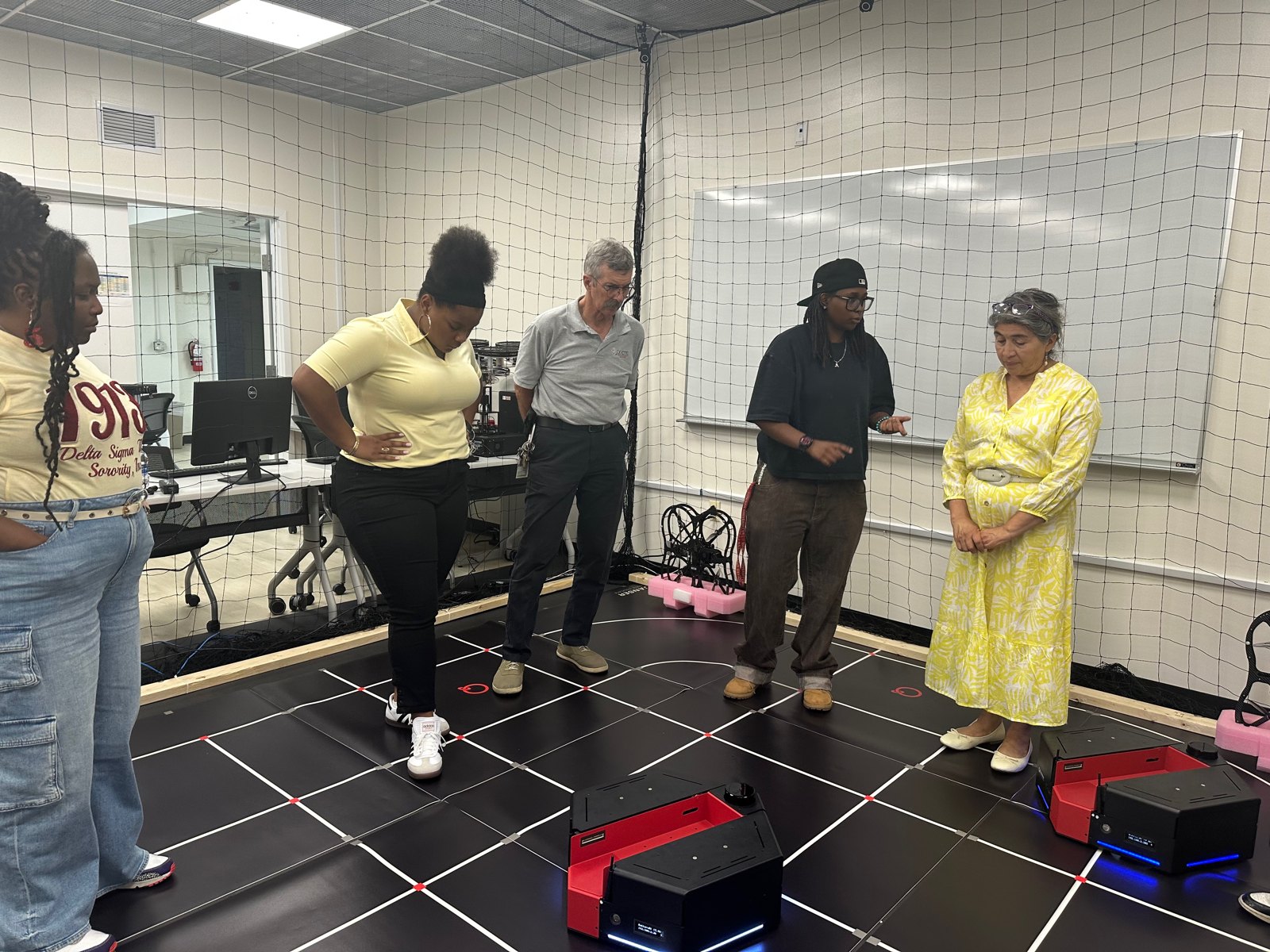
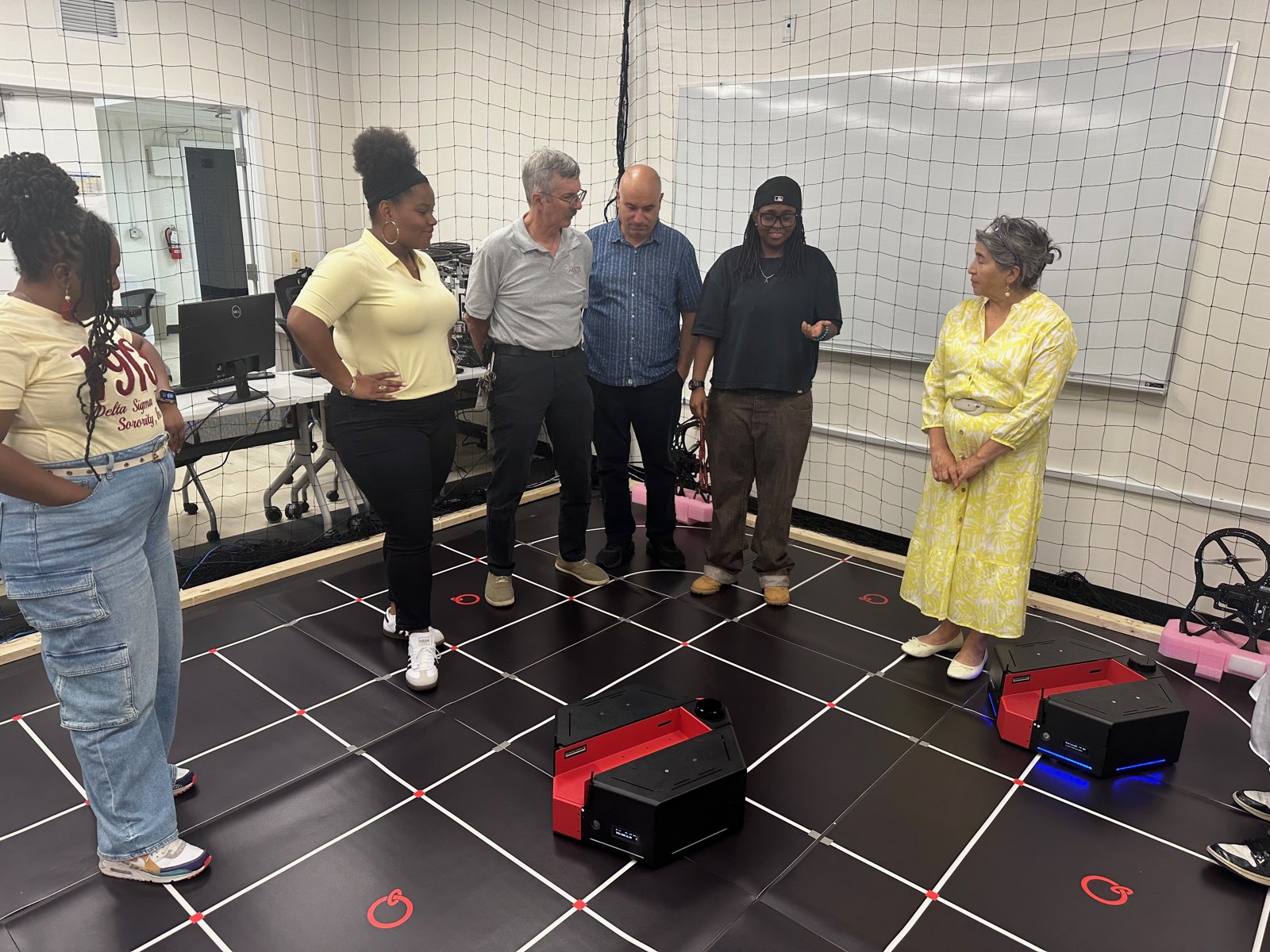
Dean and Faculty Visit
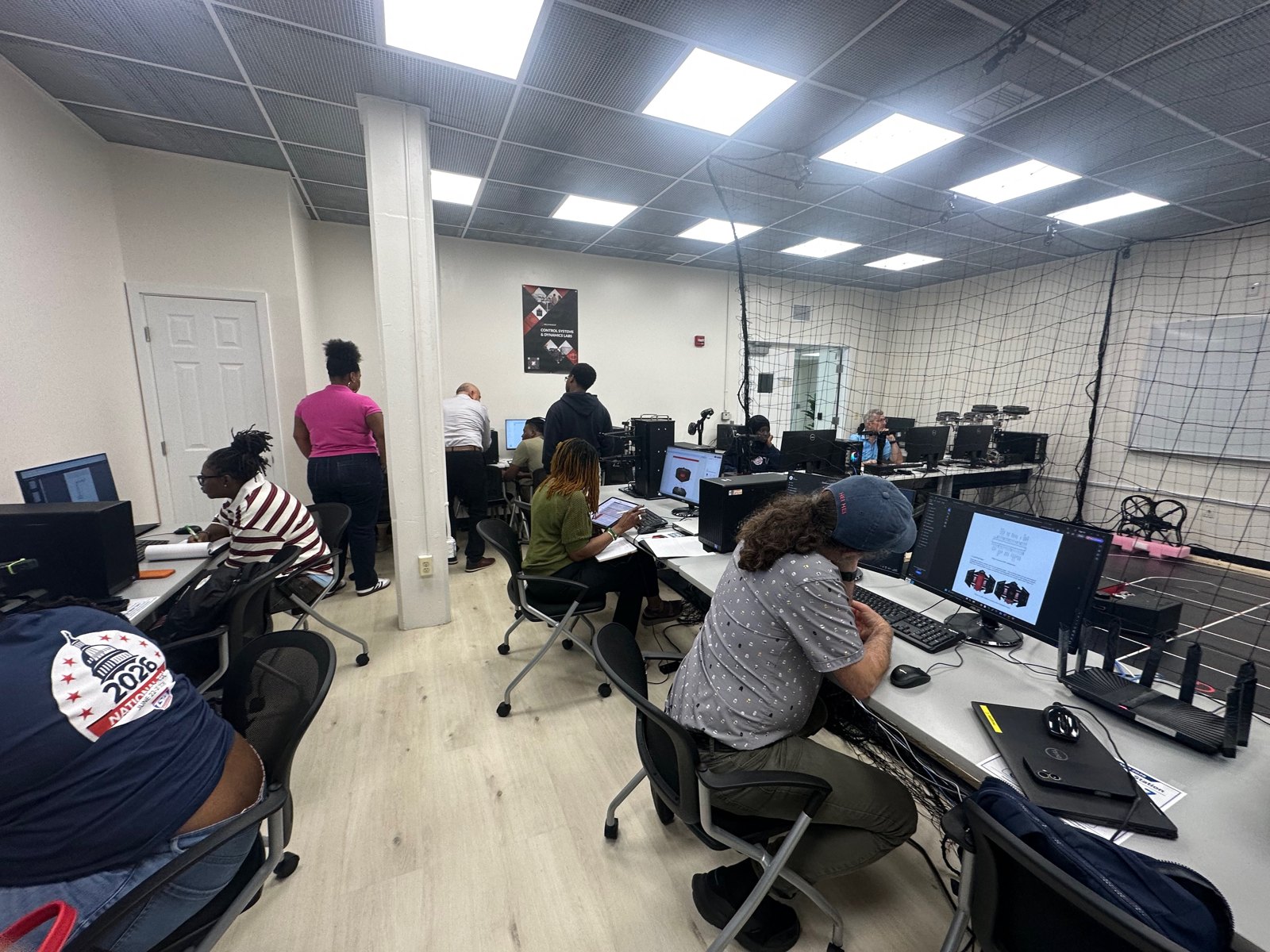
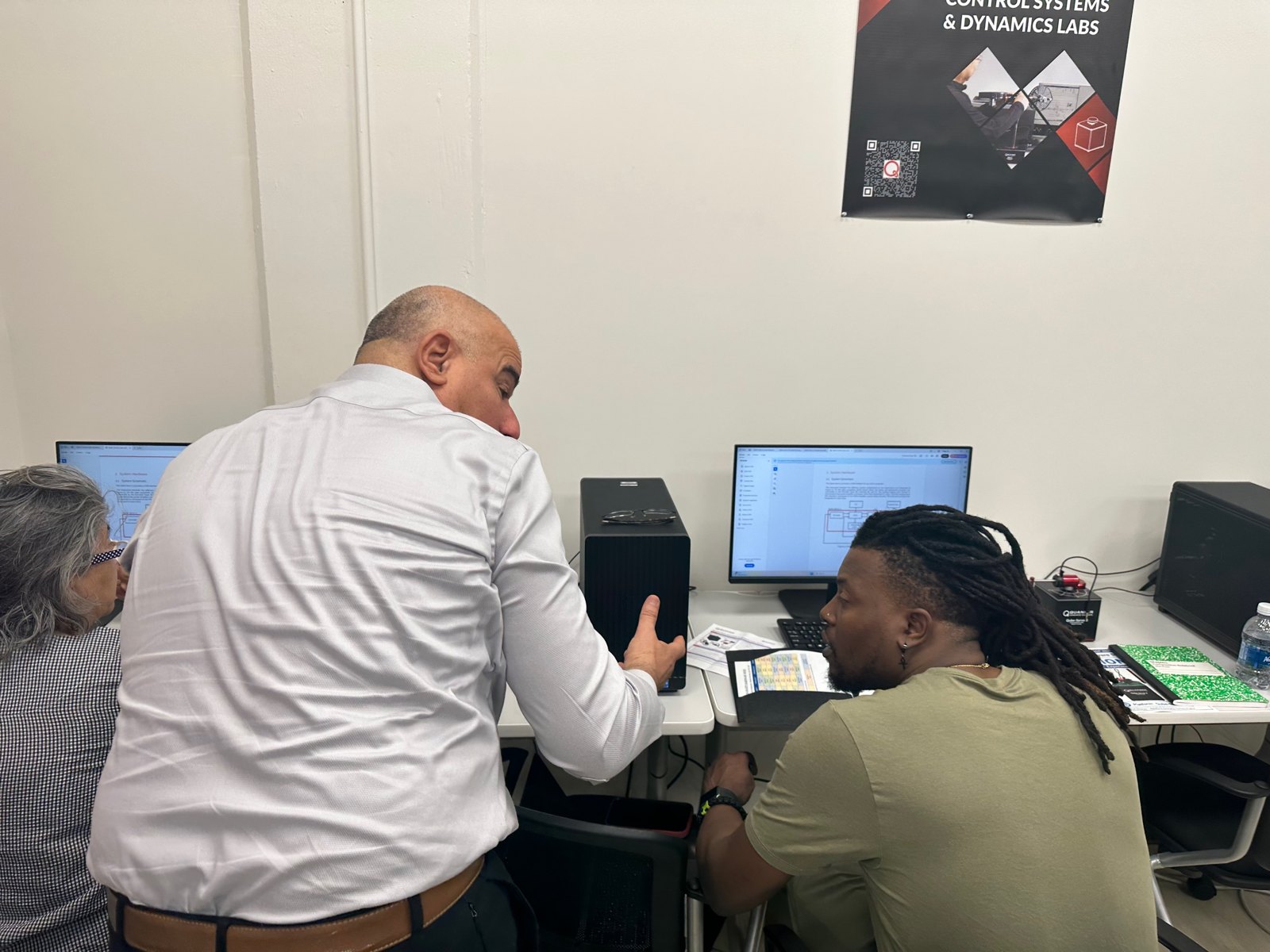
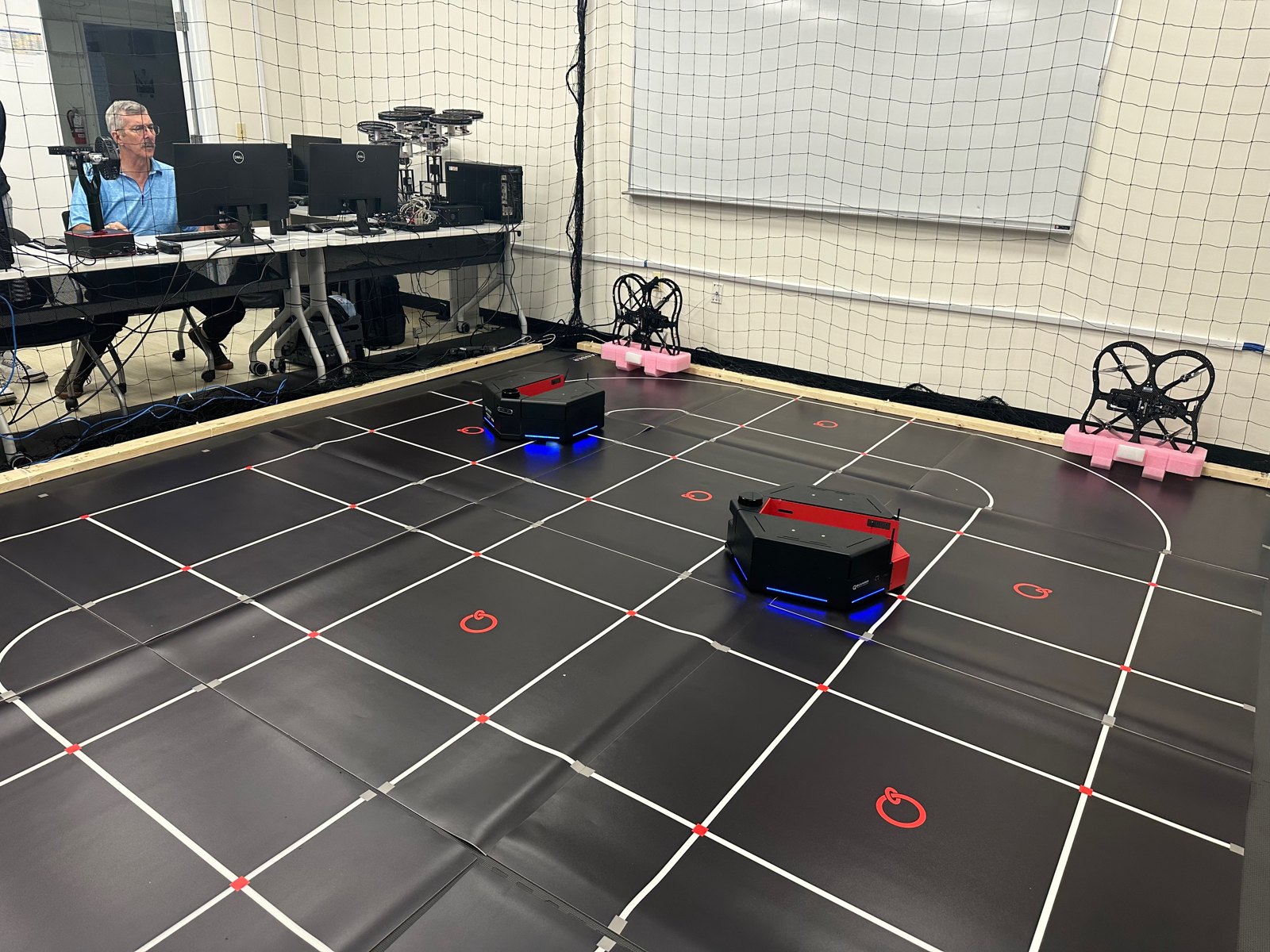
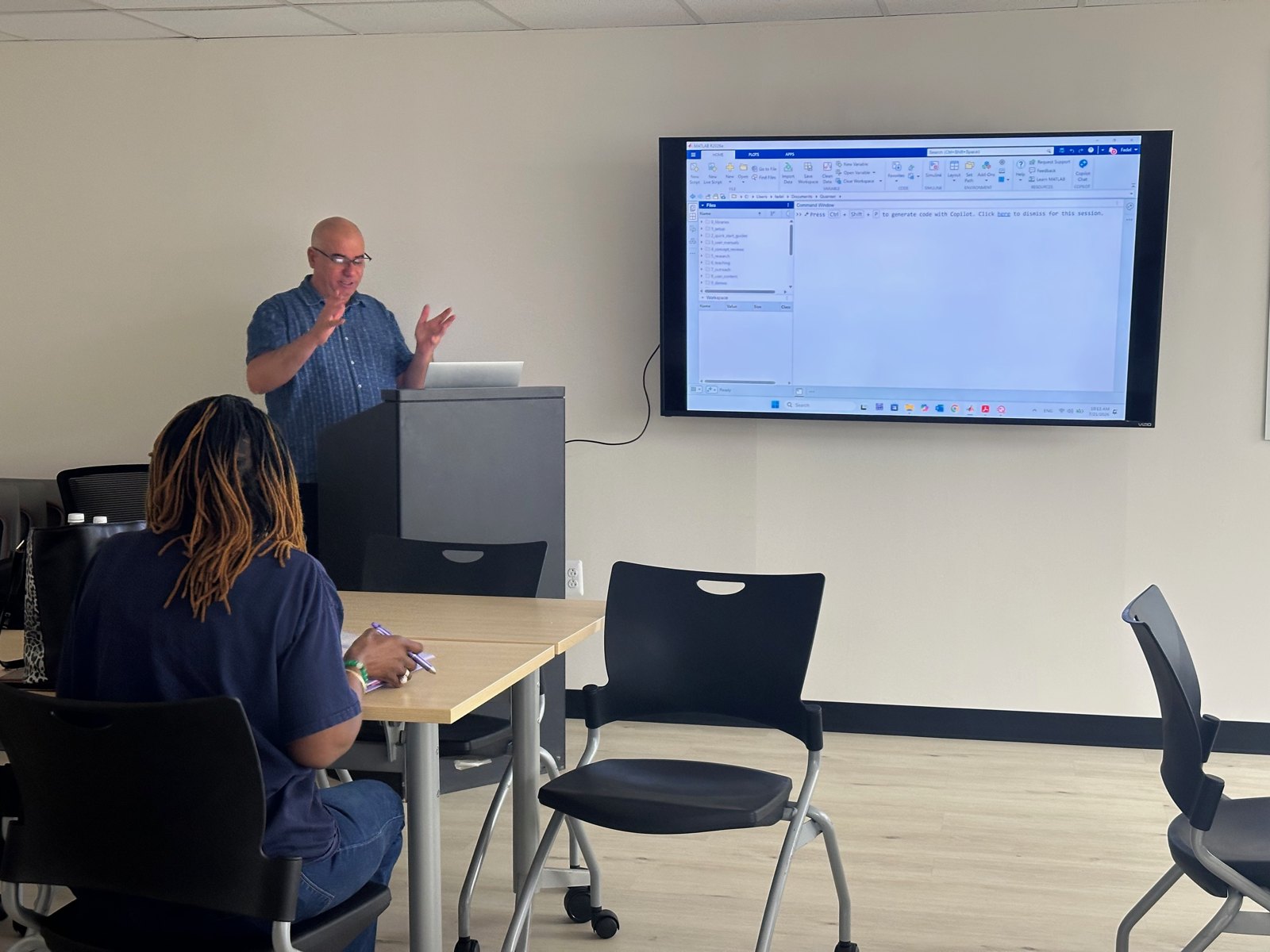
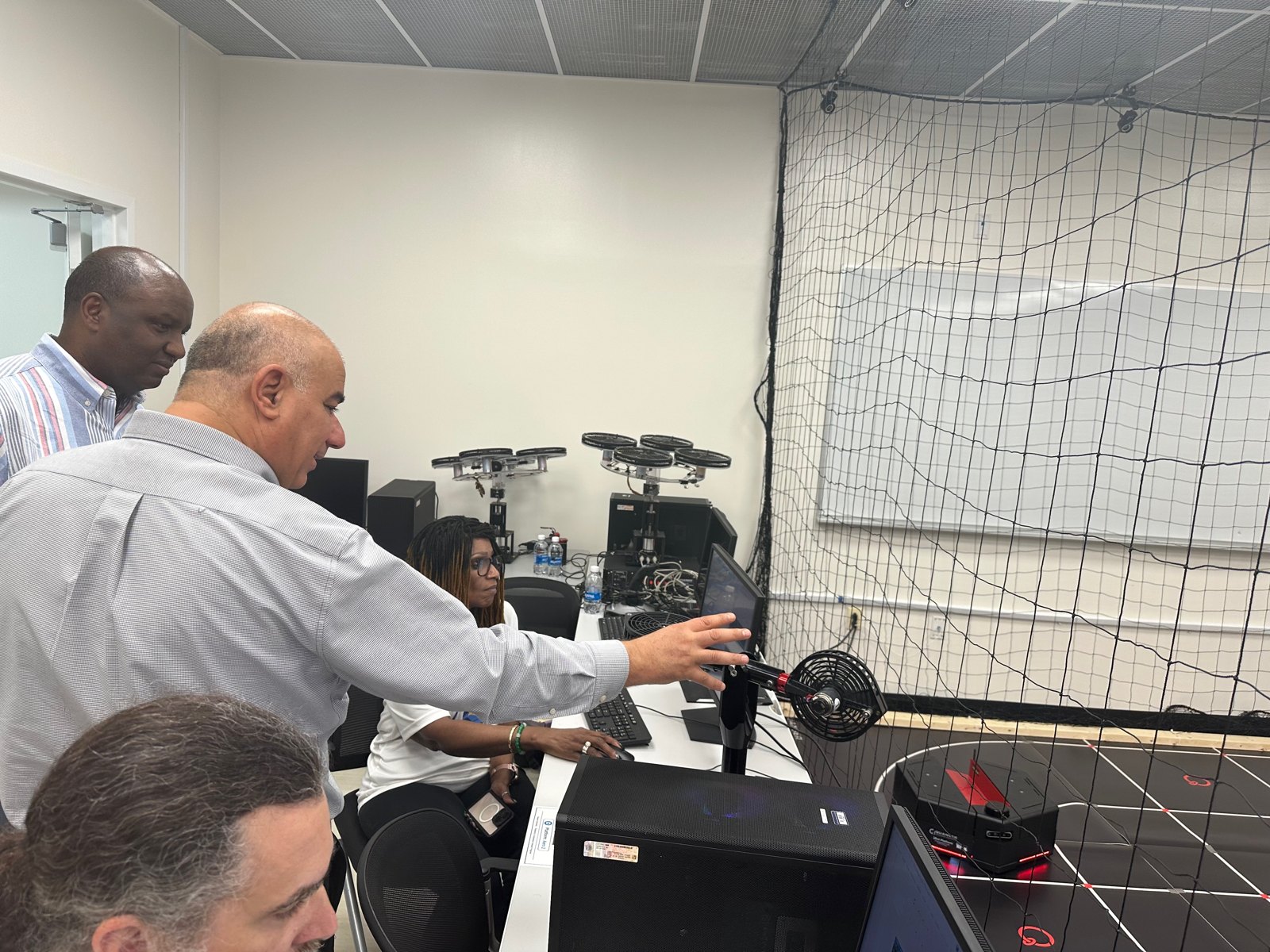
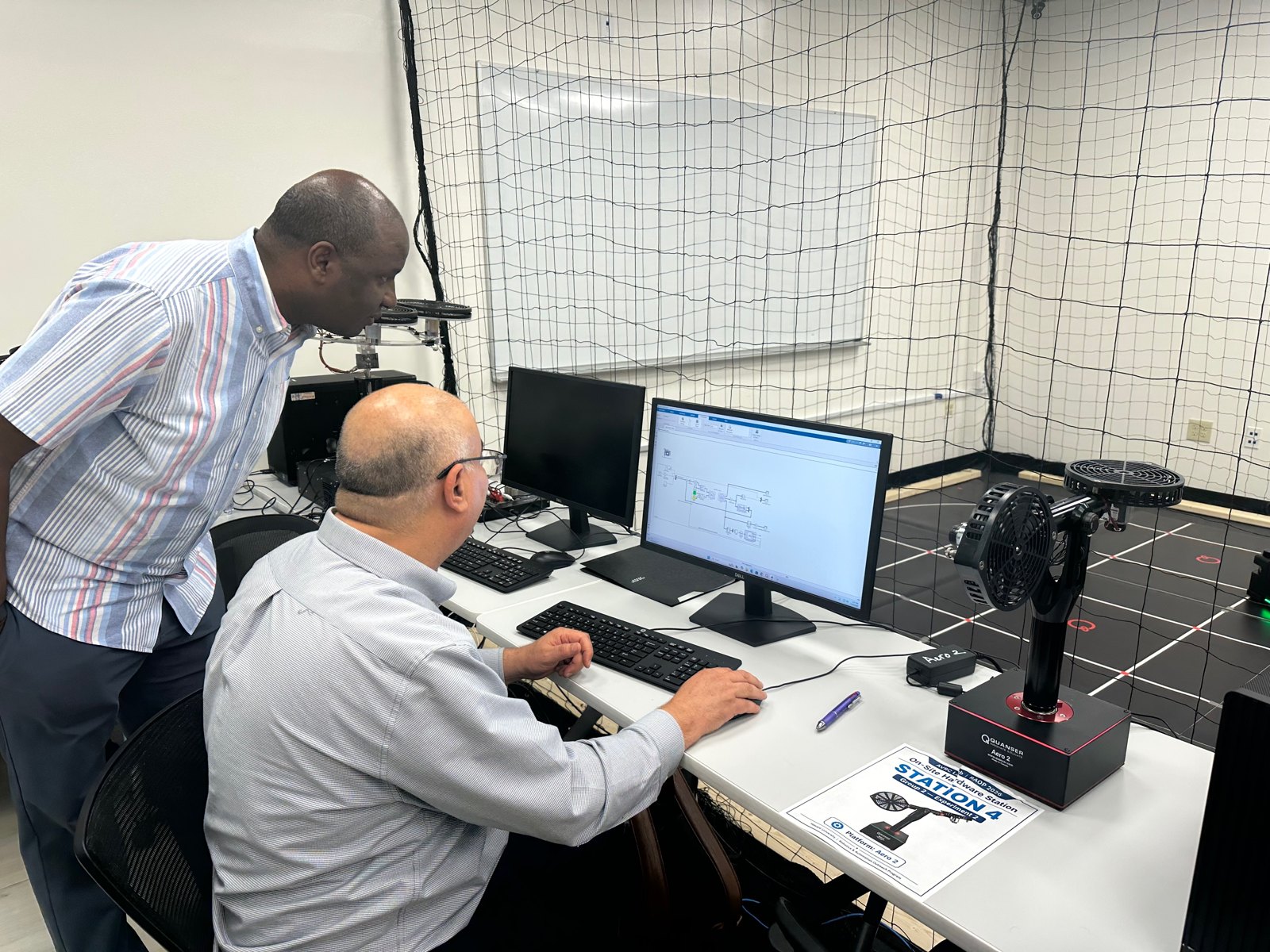
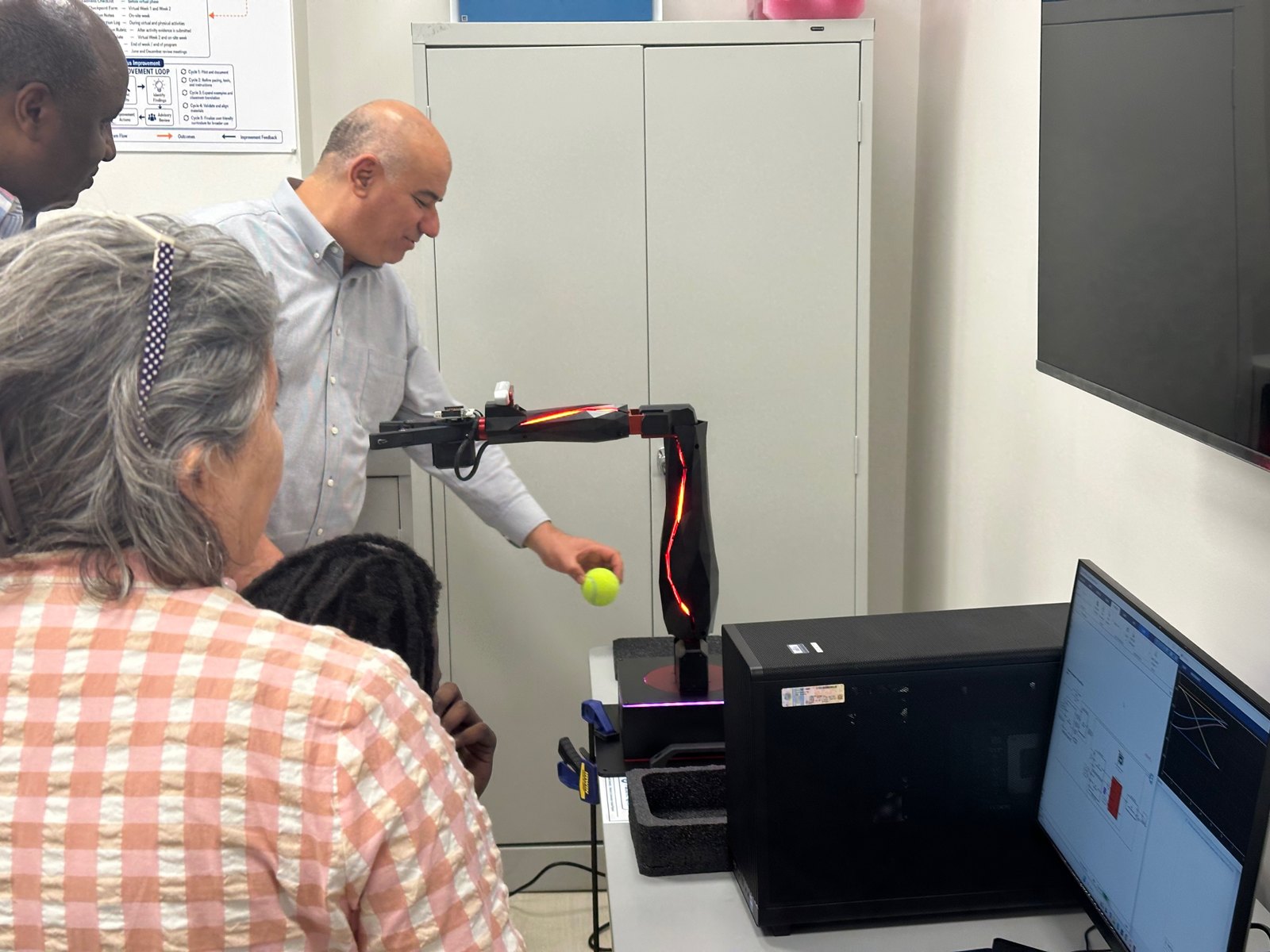
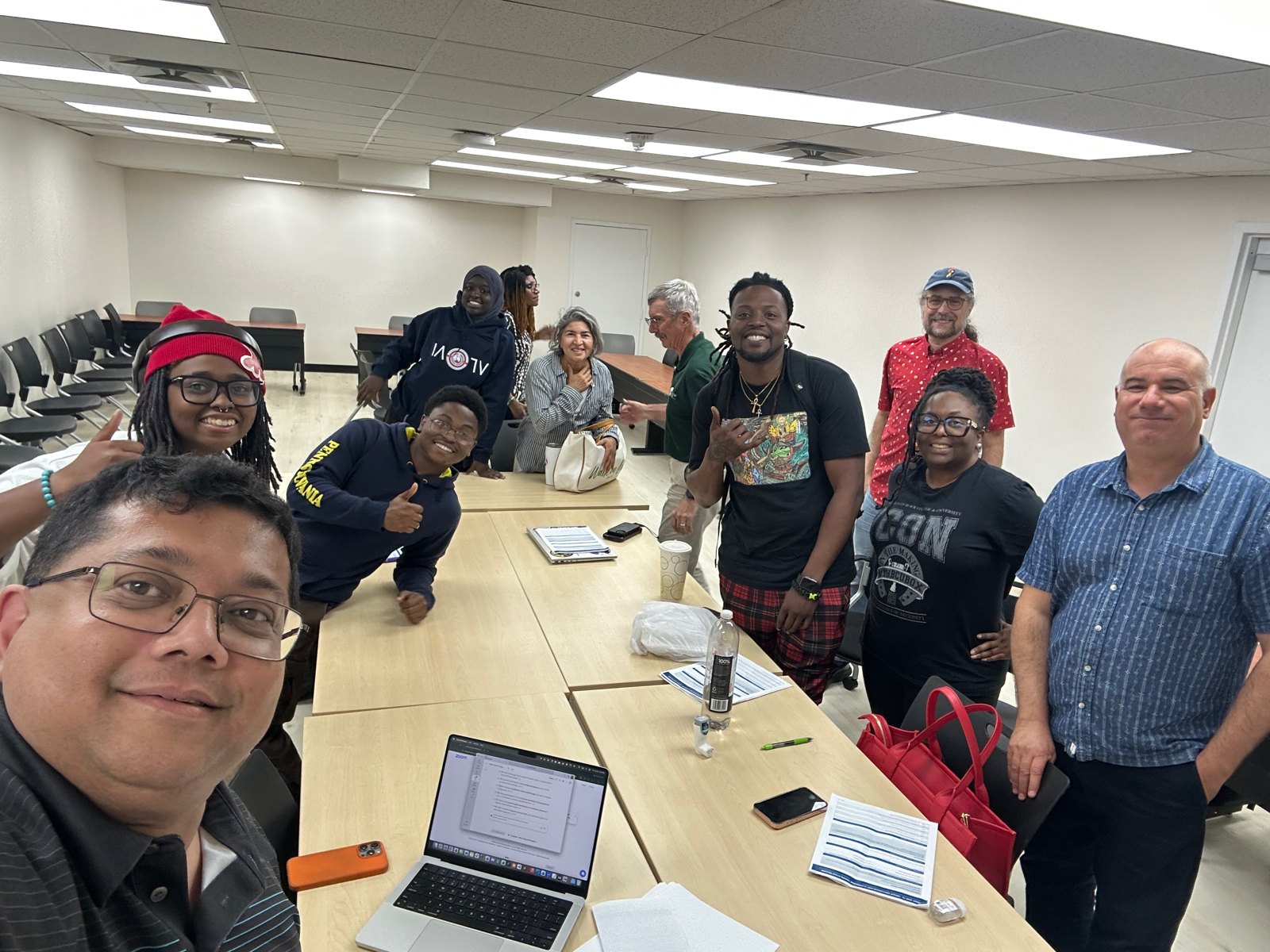
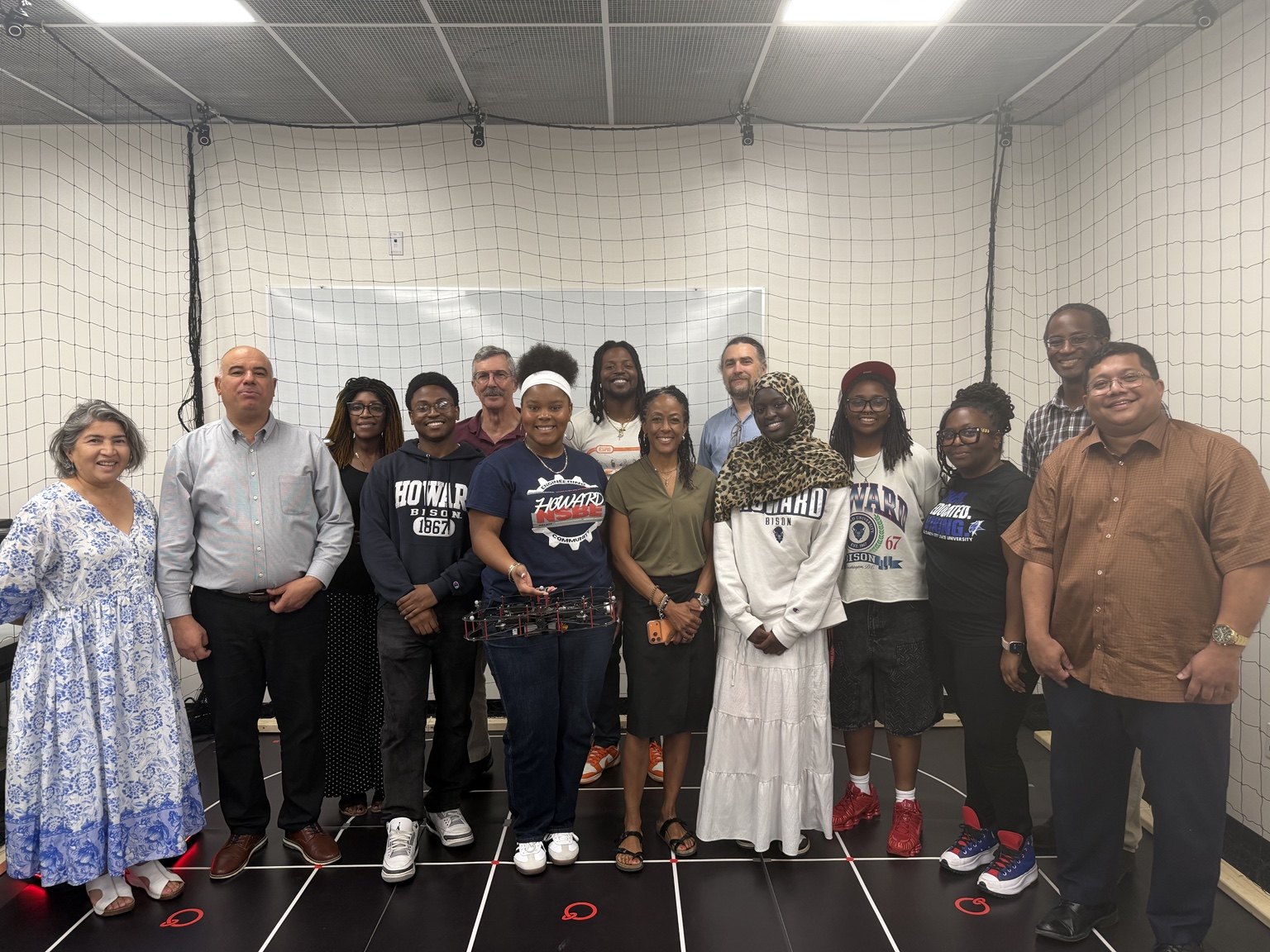
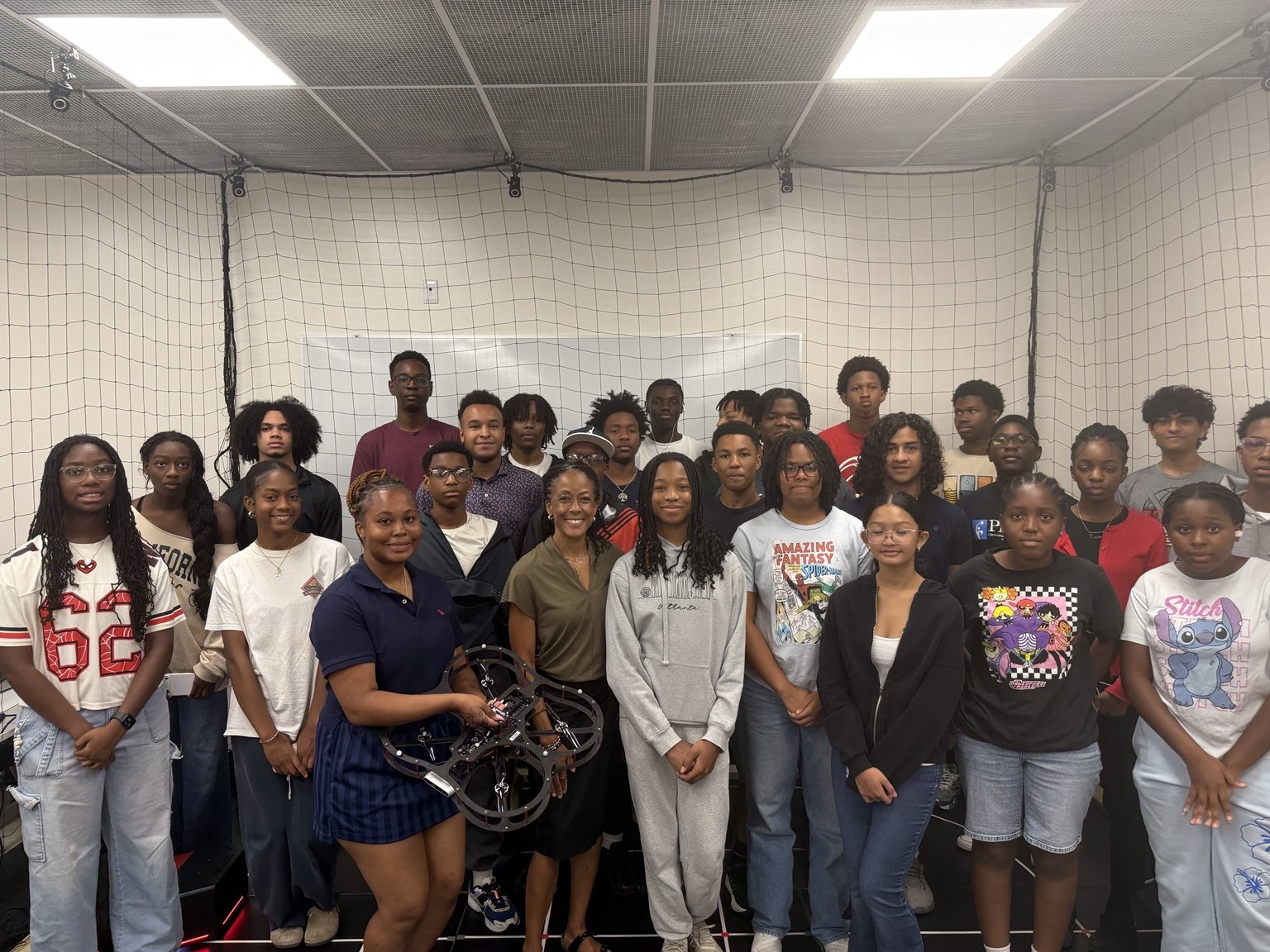
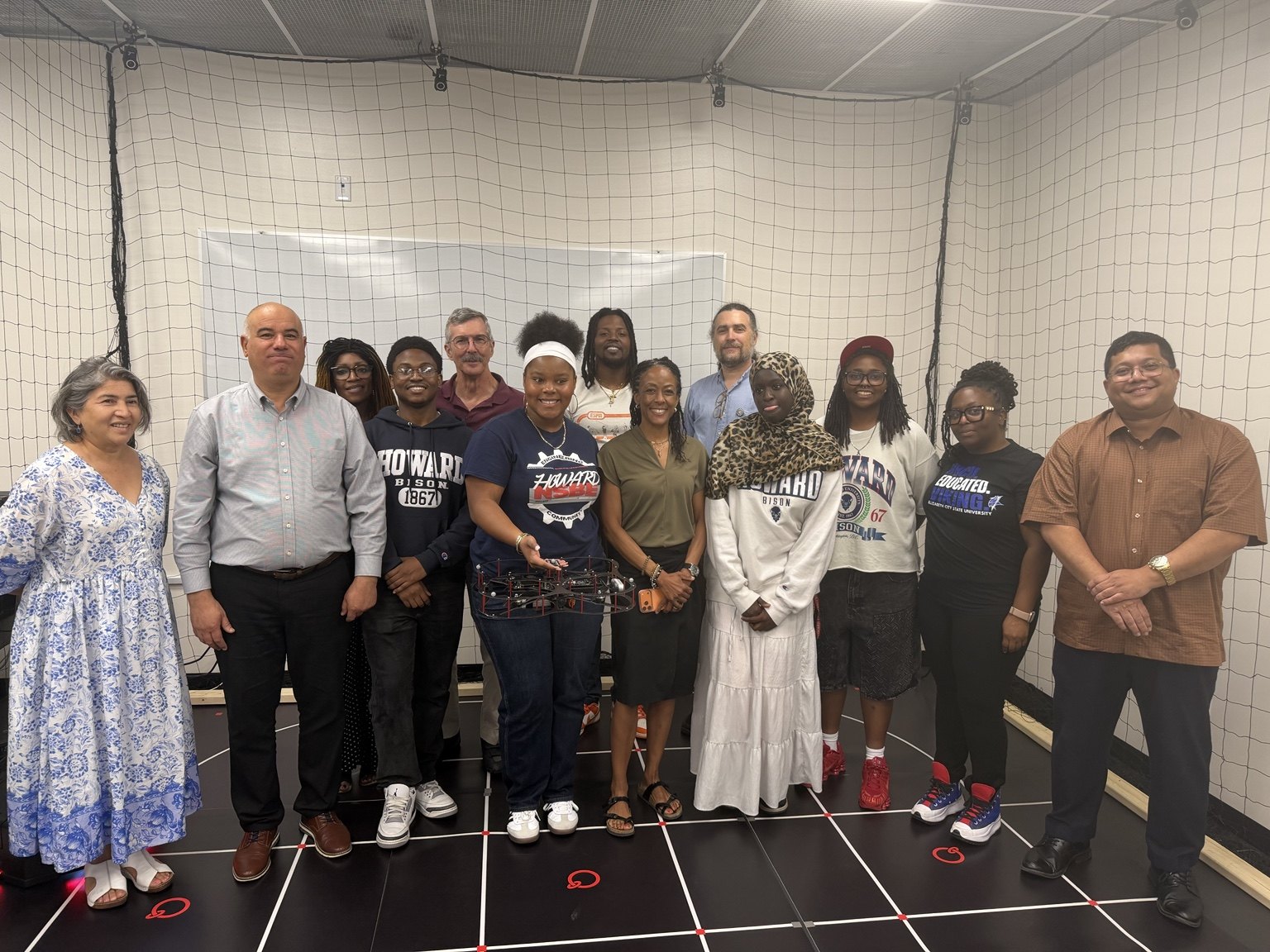
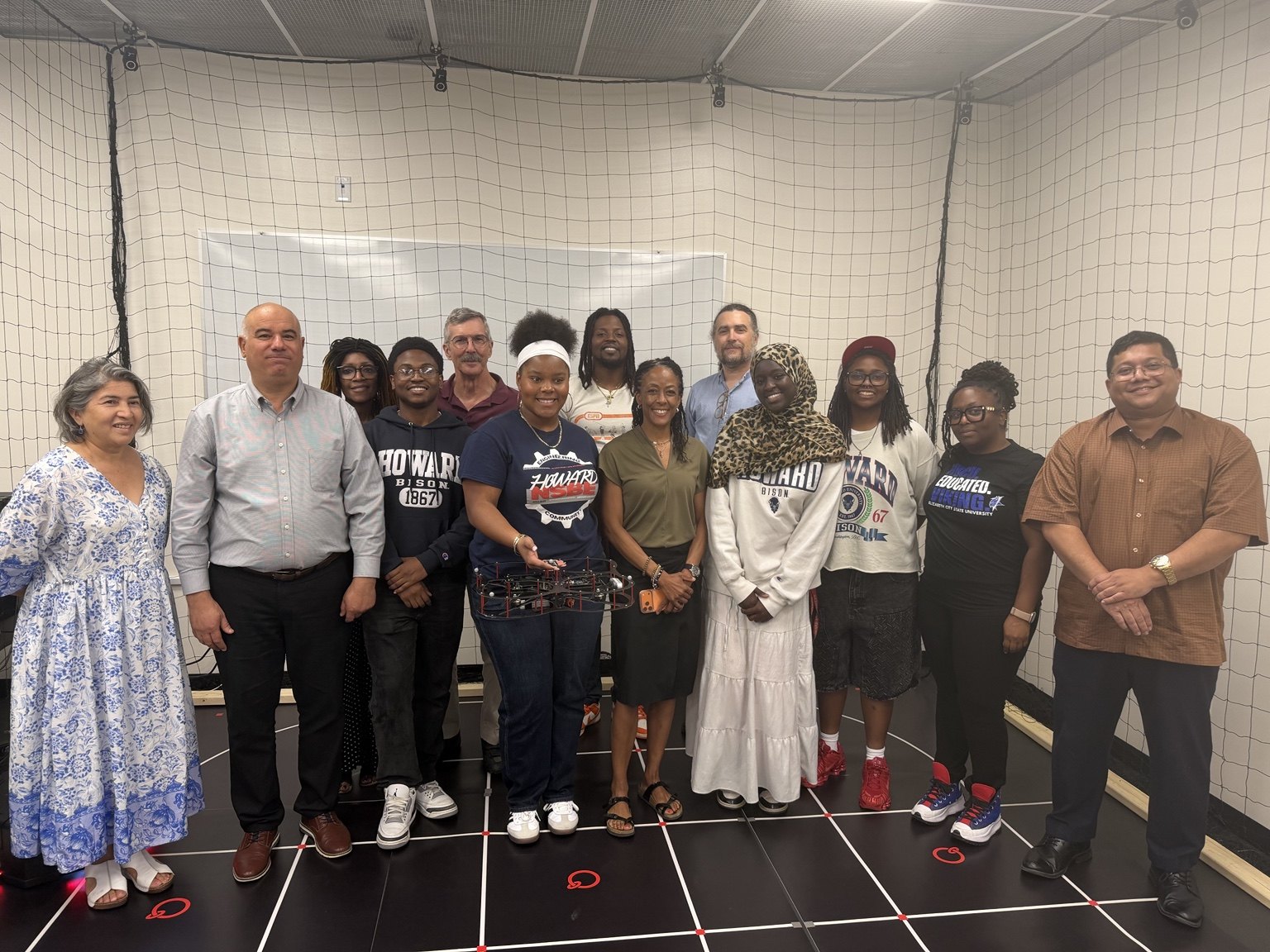
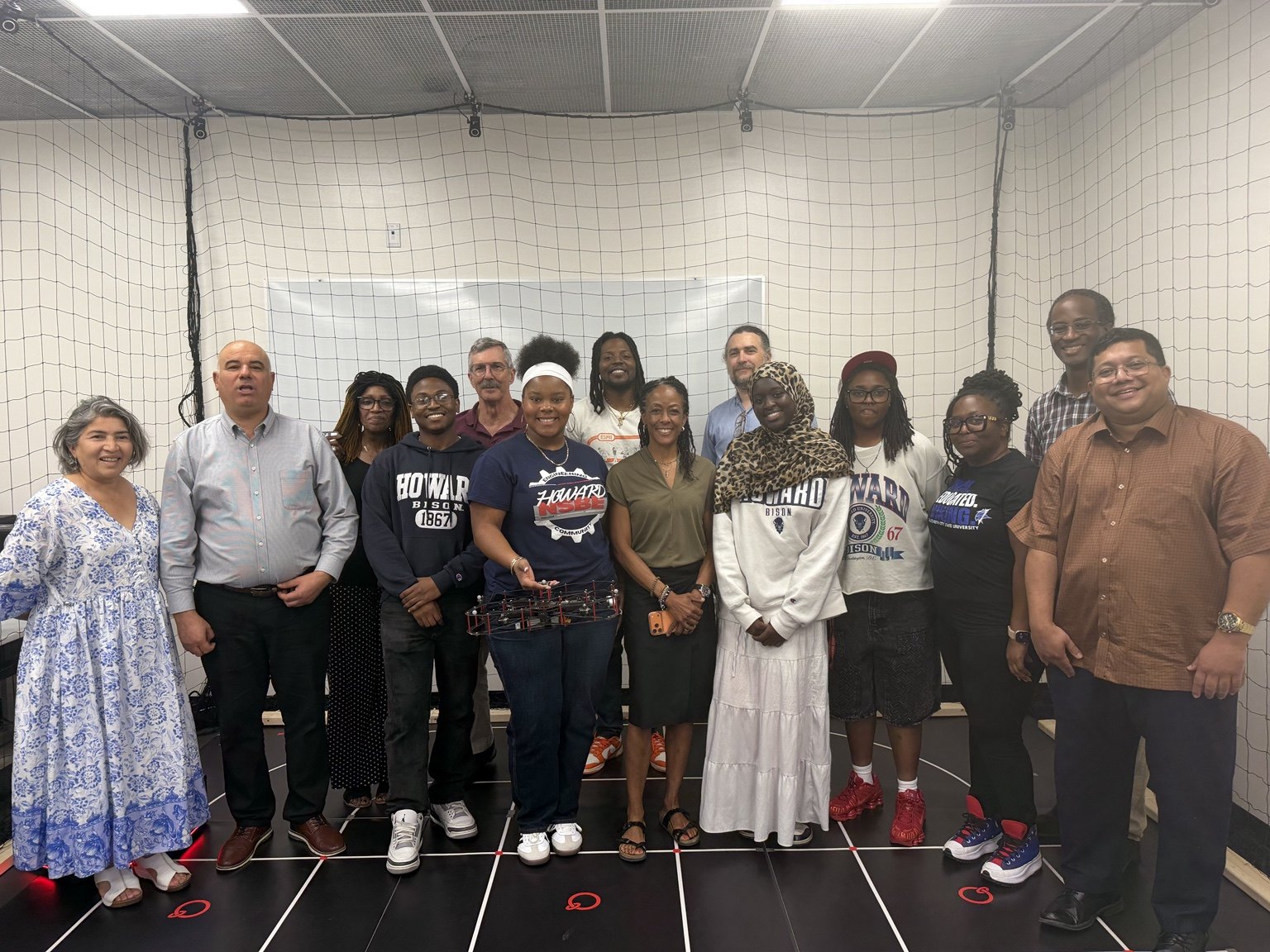
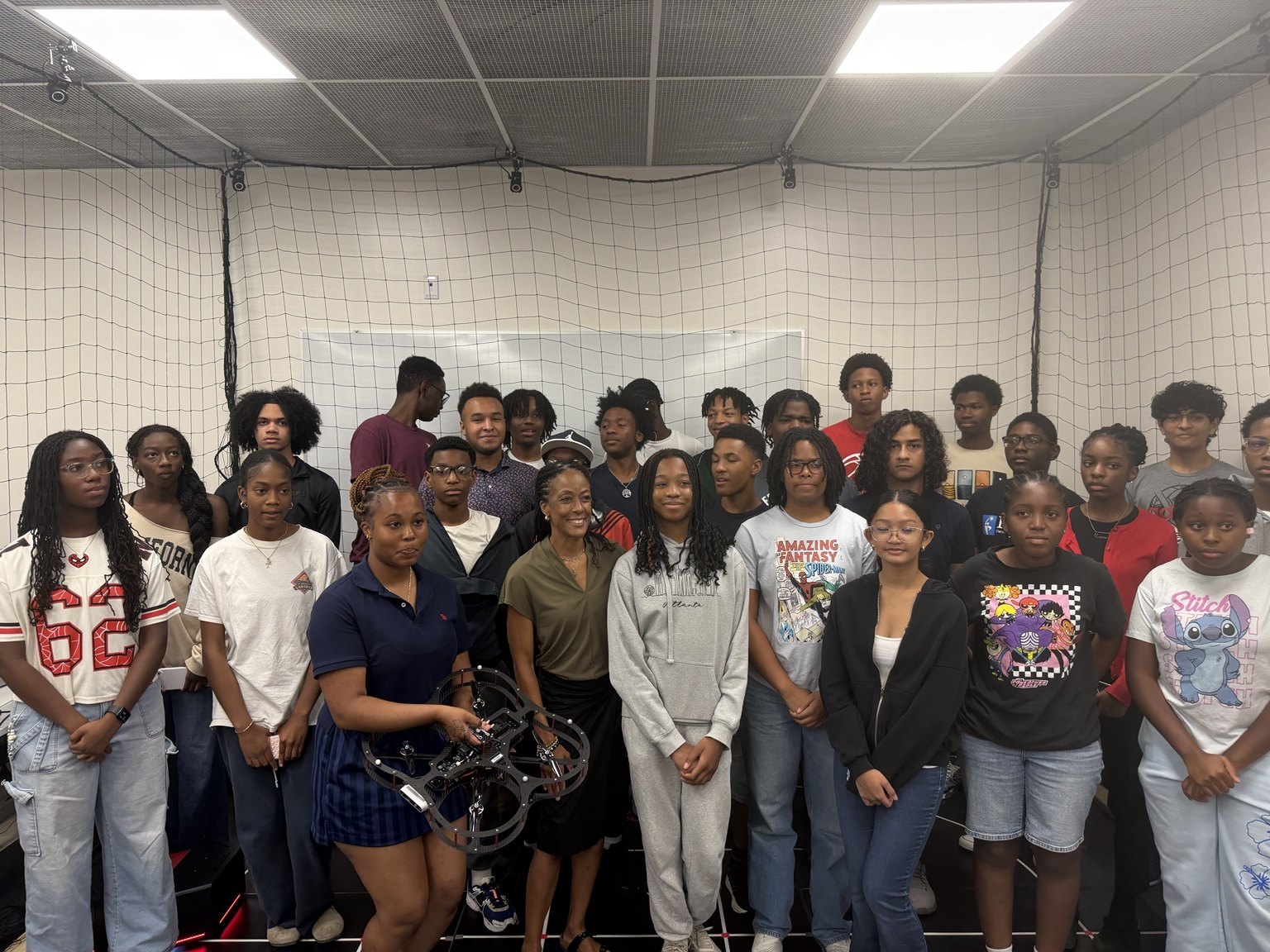
During the Thursday on-site session, Dean Kimberly Jones of Howard University’s College of Engineering and Architecture visited the AVRC Laboratory with faculty. These photographs document the visit and group activities.
Howard profiles:Dean Kimberly L. Jones ↗Dr. Charles Kim · Interim Chair, EECS ↗
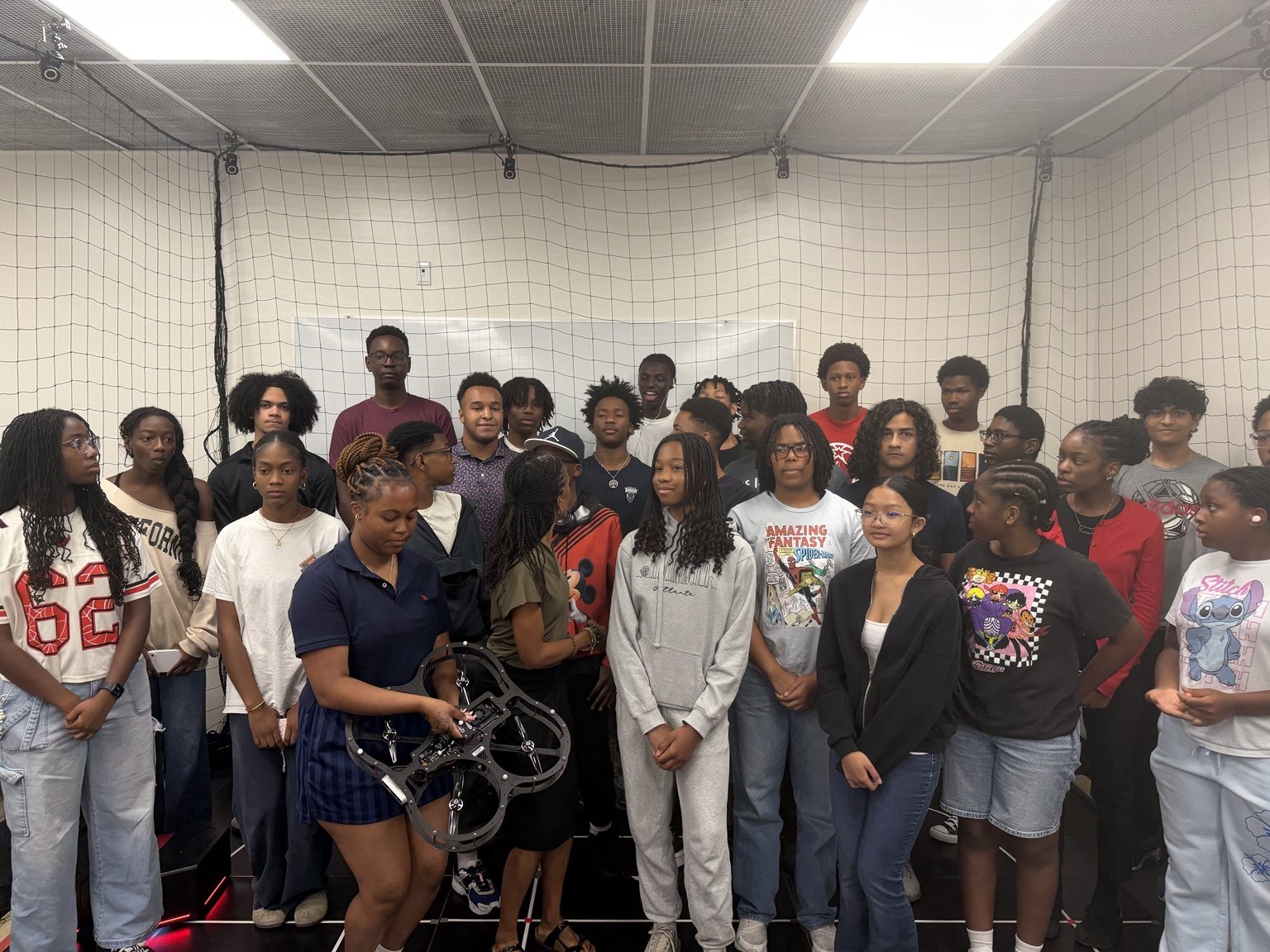
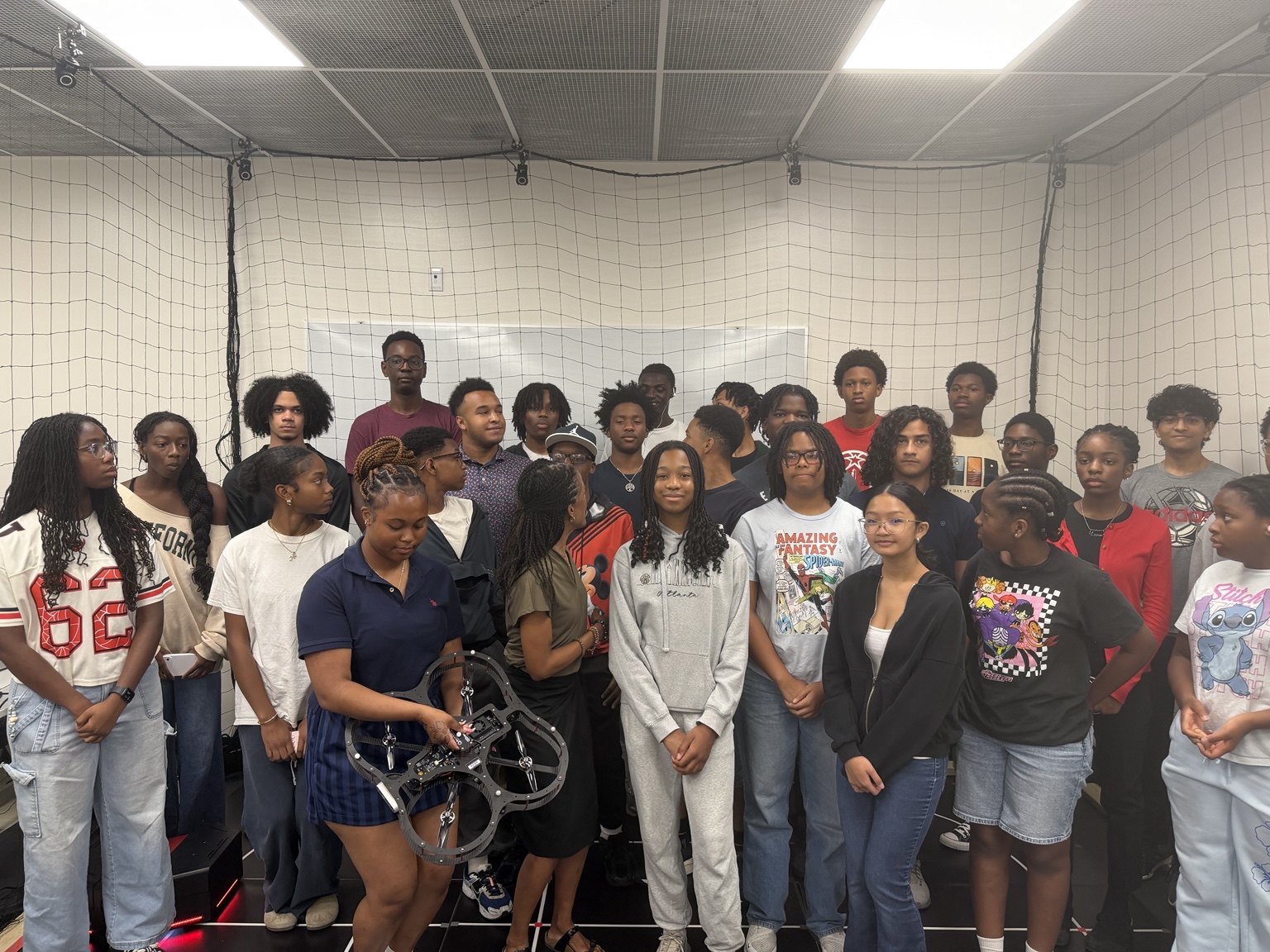
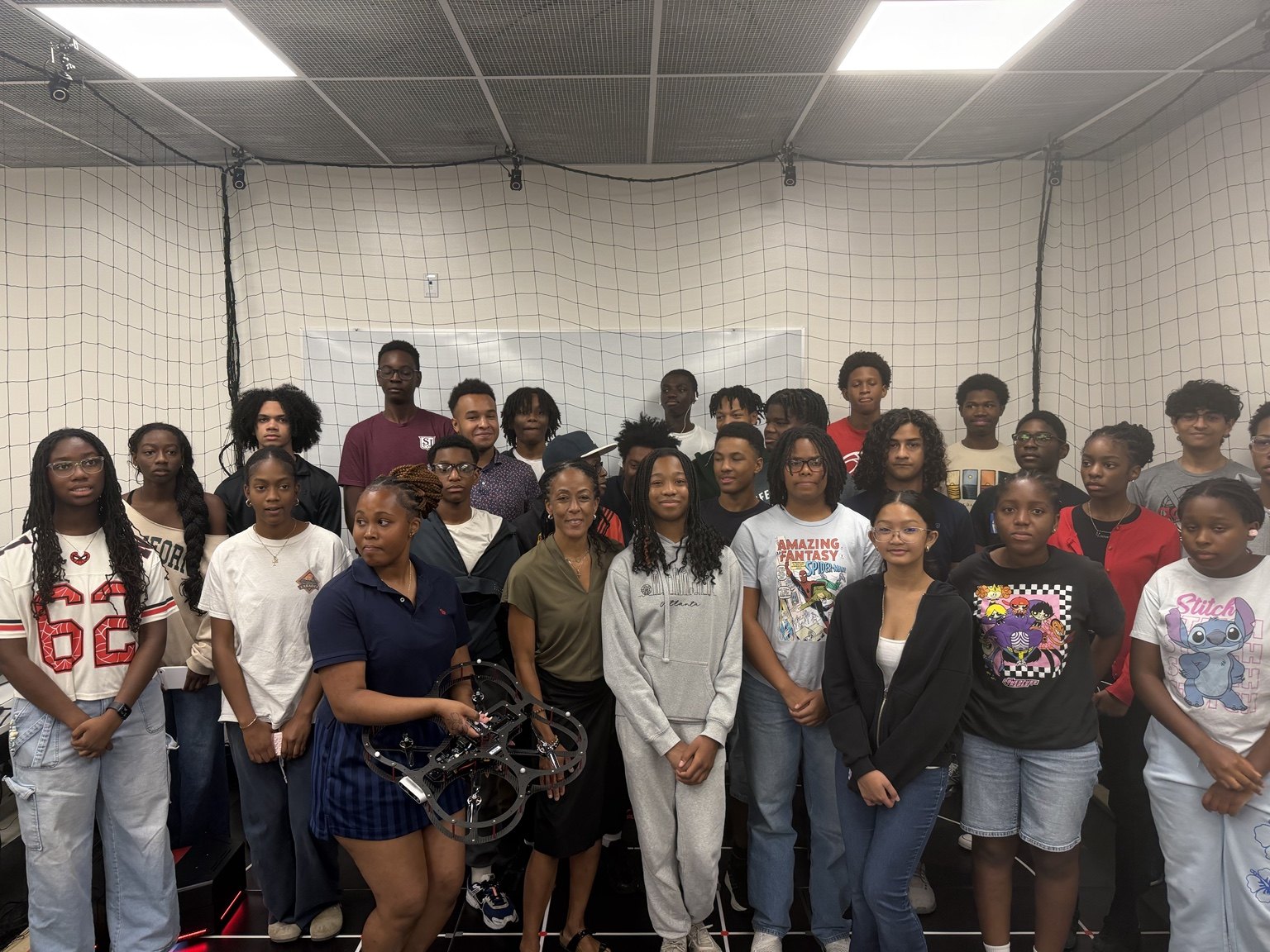
View seven additional group photographs
Laboratory Recordings
These complete recordings retain their original audio. Select a video to begin playback; each description summarizes the visible activity.
Laboratory workstation investigation
6:51 · Full recording with audio
A group observes a computer display beside a robotic arm and discusses the workstation setup.
Download recording (MP4, 9.1 MB)Research studio workstation discussion
4:24 · Full recording with audio
The camera moves between computer stations beside the netted research studio as the group discusses the equipment and displays.
Download recording (MP4, 8.9 MB)Research studio platform demonstration
3:45 · Full recording with audio
The recording shows aerial and mobile ground platforms in the netted research studio, followed by a view of the computer displays.
Download recording (MP4, 8.8 MB)Laboratory and Group Learning Excerpts
These short, silent excerpts focus on the visible activity. Their original recordings are available in the linked Dropbox collection. Playback starts only when you choose.
A group learning session · 25 seconds
The camera moves from the facilitator and display to educators seated around classroom tables.
Download clip (MP4)A laboratory demonstration · 20 seconds
Educators gather at a workstation while a facilitator points to laboratory equipment.
Download clip (MP4)Research studio demonstration · 35 seconds
The camera follows a small aerial vehicle moving within the netted research studio, with mobile ground robots visible nearby.
Download clip (MP4)Hardware and software walkthrough · 17 seconds
A facilitator points to an Aero 2 platform and its computer interface while educators observe.
Download clip (MP4)Sources: the RAOP project Dropbox collection and additional photographs and recordings supplied by the project team. Contact the team about a caption, accessibility request, or media concern.
Follow RAOP & stay connected
Program updates, announcements, and educator highlights.
Instagram links to Fadel Lashhab’s profile. Some social platforms may require sign-in.