RAOP 2026 · Learning sequence
From Digital Twins to Laboratory Investigation
The virtual and on-site phases connect prediction, observation, measurement, and explanation. The emphasis is on understanding how a system works and how its investigation can become a meaningful school learning activity.
Preparation and Onboarding
The approved MathWorks STEM Outreach License was shared approximately one month before training. MATLAB Onramp and Simulink Onramp supported early preparation. Onboarding on June 15 and technical follow-up on June 29 addressed the program sequence, software access, and readiness needs.
Each educator could begin with a teaching question: How could students investigate motion, interpret a sensor measurement, or use evidence to improve a design?
T1 setup readinessTwo-Week Virtual Phase · July 6–17
Educators used MATLAB, Simulink, and Quanser QLabs digital twins. Assigned pairs investigated platforms before meeting the physical equipment.
- Identify the model’s inputs, outputs, and displayed measurements.
- Run a supplied example and state what should happen before changing one permitted setting.
- Observe the response and record plots or screenshots with units and test conditions.
- Explain what the evidence shows and identify a question to revisit with hardware.
T2 documented virtual observations, explanations, and proposed school teaching connections. The checkpoint was scheduled for July 16, followed by review on July 17.
Virtual preparation resourcesOne-Week On-Site Phase · July 20–24
Educators rotated through all four core platforms with laboratory supervision: Qube-Servo 3, Aero 2, QArm, and QBot Platform.
- Locate the sensor, actuator, interface, and relevant power or drive components.
- Follow the platform’s setup and safe operating instructions.
- Run the approved model, read measurements, and compare observations with the virtual investigation.
- Discuss differences, evidence quality, and a feasible school adaptation.
T3 hardware checkpoints, T4 participant feedback, and T5 group discussion connected laboratory work with reflection and curriculum planning on July 24.
Platform activity details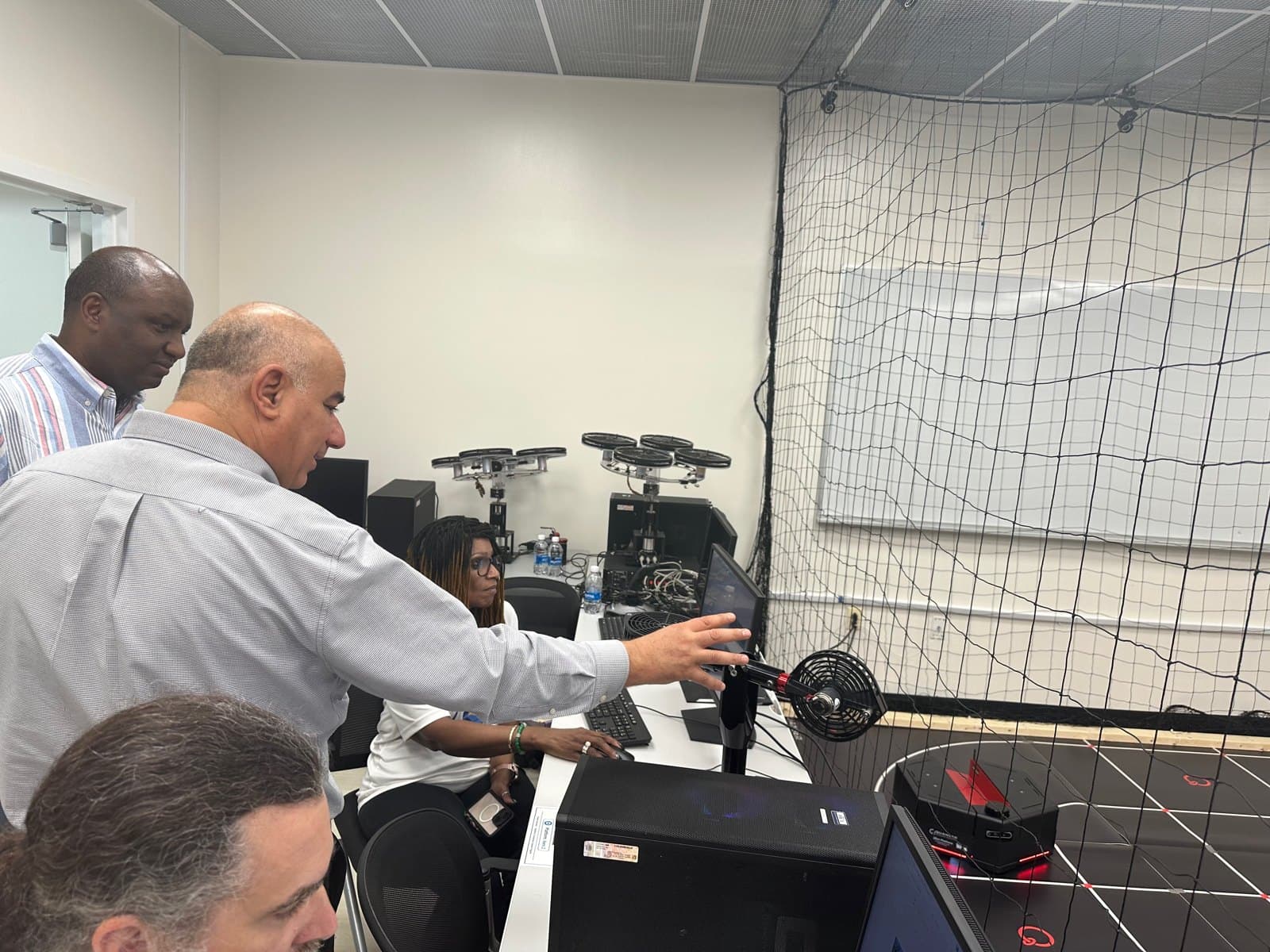
Reading Measurements and Writing Commands
Read means acquiring a measurement, such as encoder position. Write means sending a permitted command, such as a motor input or a requested joint position, through the appropriate platform interface.
For supported Quanser hardware, QUARC enables real-time execution of Simulink models and access to hardware interfaces. The exact signal path and blocks depend on the platform; a voltage command and a position command are different quantities.
A digital twin supports preparation and comparison. Physical hardware adds real sensor noise, timing effects, mechanical limits, and setup considerations.
Review the core conceptsAdvanced Demonstration: QDrone 2
The cycle also included an advanced QDrone 2 demonstration in the Autonomous Vehicle Research Studio using OptiTrack localization and Motive software. It introduced mission control and the role of external position measurements. This was a supervised demonstration, separate from the four core educator platform activities.
View laboratory excerptsReturn to School with a Practical Plan
Choose one observable question, a manageable activity, and evidence students can collect. Adapt the investigation for the equipment, class time, and student preparation available. A simulation, a prepared dataset, or an accessible classroom device can support the learning objective when research hardware is unavailable.
Follow RAOP & stay connected
Program updates, announcements, and educator highlights.
Instagram links to Fadel Lashhab’s profile. Some social platforms may require sign-in.