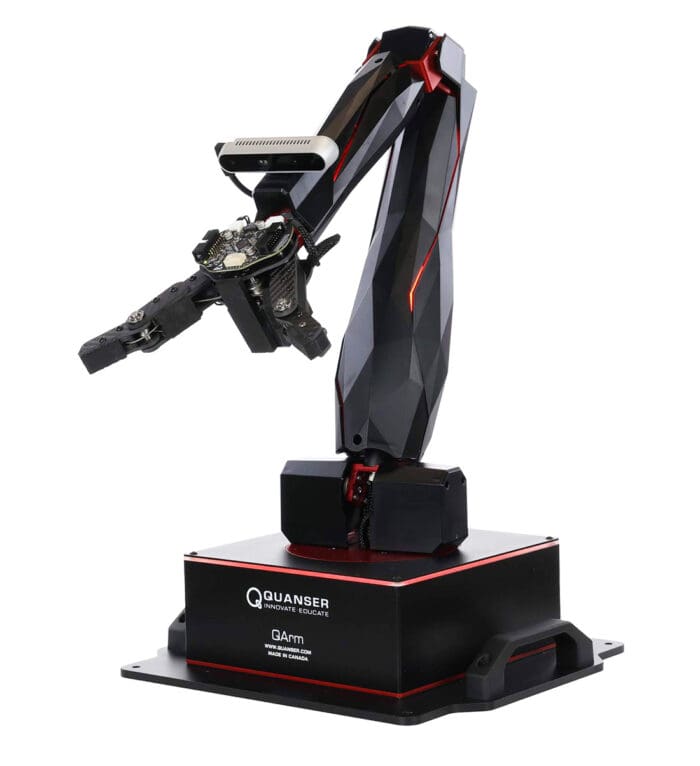
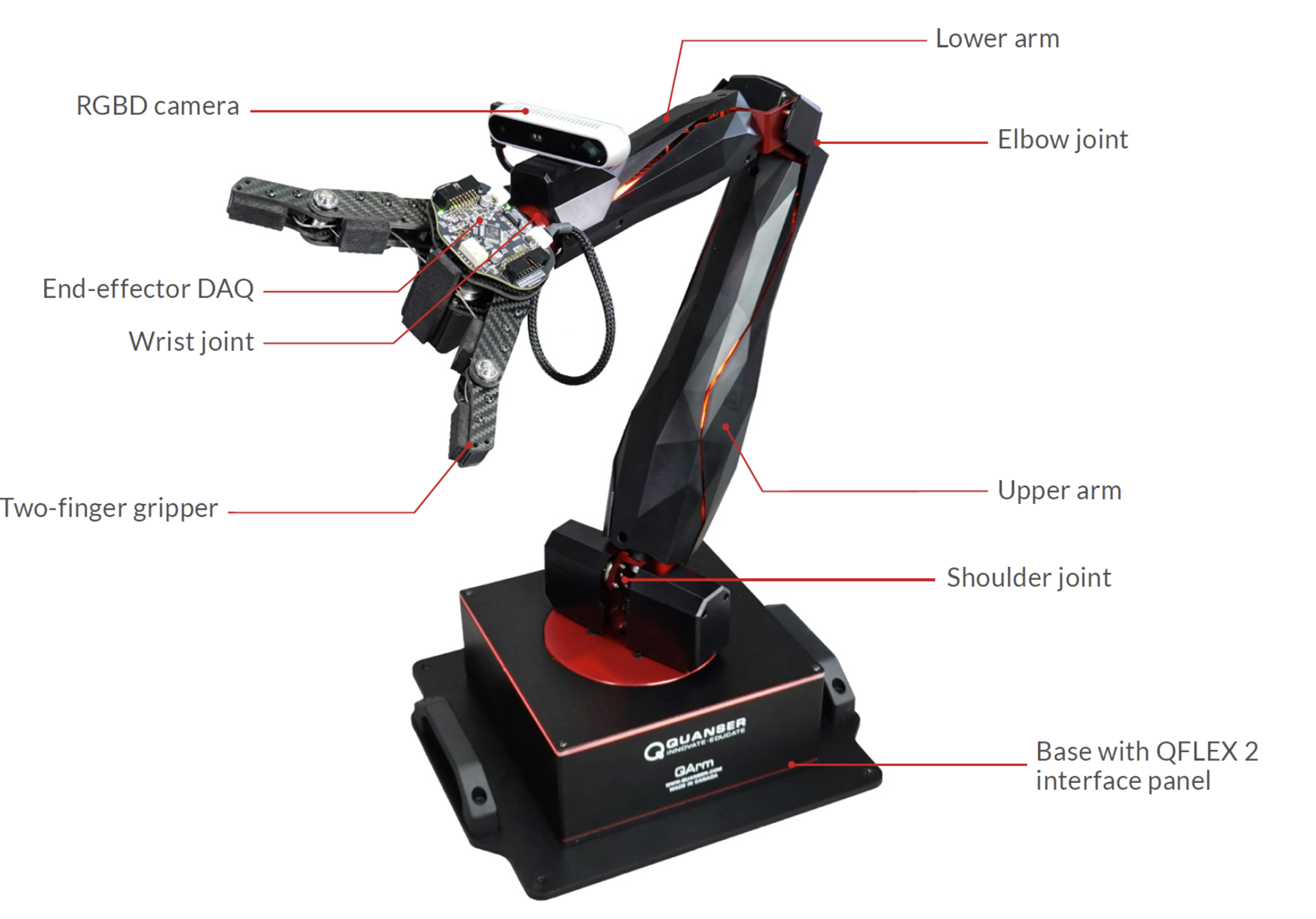
QArm has four rotary arm joints in a roll–pitch–pitch–roll arrangement and a separately controlled gripper. Its joint feedback and RGB-D camera support kinematics, trajectory tracking, and visual manipulation exercises.
Inputs & outputs
Four joint commands plus a gripper command; measured joint state and camera data. Four arm DOF do not permit arbitrary independent six-DOF end-effector poses.
Suggested AVRC learning activities. Use the linked manufacturer procedure and the instructor’s approved setup for the actual experiment.
A practical learning sequence
Identify the base frame, joint limits, tool frame, and safe workspace.
Compare forward-kinematics predictions with measured or observed positions.
Use a supplied trajectory or pick-and-place example; document repeatability and limitations.
Teaching, outreach & research
Teaching: coordinate transforms, inverse kinematics, Jacobians, and vision.
Outreach: explain how joint motion produces a useful task.
Planned investigation: QArm and HD² teleoperation with supervised motion and force-feedback limits.
Go directly to the source
Official manuals and resources may have their own licensing or sign-in requirements. Use material for the exact platform generation and software release.